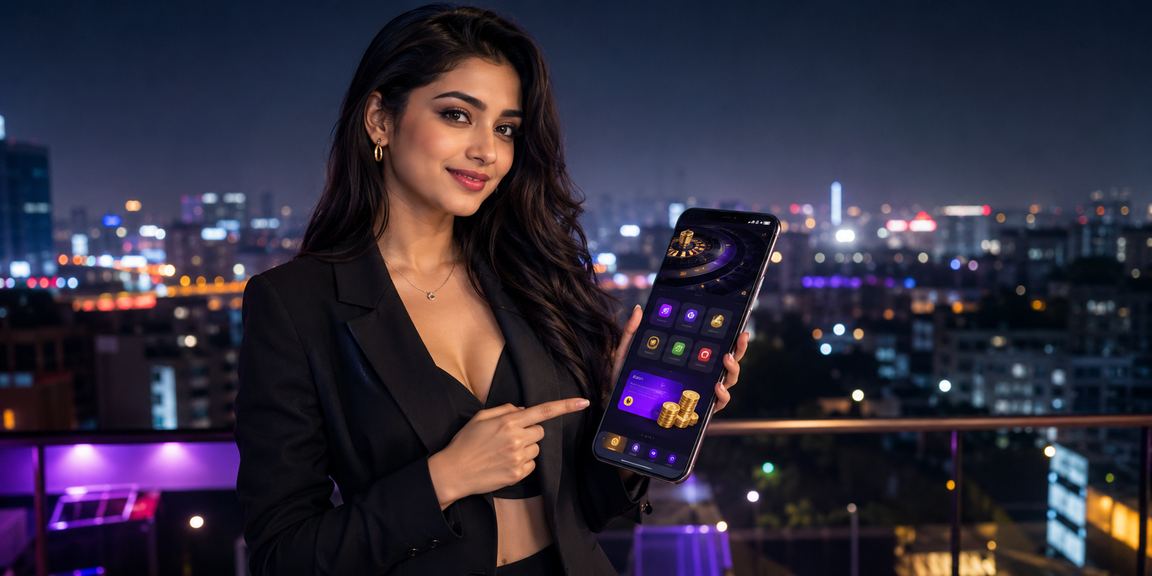
Tikitaka's official app is now available completely free for all Android and iOS users in Bangladesh — lightweight, fast-loading, and built for a seamless gaming experience, all in one app.
Why the app beats the browser — see for yourself

Tap the Android APK Download button. The file will be saved to your phone's Downloads folder.
Go to Settings → Security → Unknown Sources and toggle it on. You only need to do this once.
Tap the downloaded tikitaka.apk file and press Install.
Open the app, log in or create a new account, and start playing.
Tapping the iOS download button will take you directly to the tikitaka app page on the App Store.
Tap Get or the download icon on the App Store. You may be prompted to enter your Apple ID password.
Once the download is complete, the tikitaka icon will appear on your home screen.
Open the app, go to Settings, and enable biometric login. Next time, you're in with a single touch.

| Feature | App | Browser |
|---|---|---|
| Loading Speed | ✔ Faster | ✘ Relatively slower |
| Push Notifications | ✔ Available | ✘ Not Available |
| Biometric Login | ✔ Available | ✘ Not Available |
| Full-Screen Gaming | ✔ Full | ✘ Limited |
| Offline Mode | ✔ Available | ✘ Not Available |
| Bonus Offer | ✔ App Exclusive | General Offer |
| Data Usage | ✔ Lower | ✘ Higher |
| In-App Support Chat | ✔ Available | Requires opening a browser |
| Auto Updates | ✔ Available | Not Applicable |
Most gamers in Bangladesh will tell you: playing on a browser just doesn't cut it anymore. You're constantly re-logging in, pages take time to load, and a chunk of your screen is eaten up by the address bar. The tikitaka app was built to fix exactly these problems.
The app is just 48MB, but it packs the full tikitaka platform inside. Slots, Live Casino, Sports Betting, card games — every category is accessible right from the app. Games from Pragmatic Play, Evolution Gaming, and PG Soft all render at the same quality as on desktop.
New tikitaka app users receive an exclusive welcome bonus during their first week — not available on the browser version. Once you register, the bonus details will appear in your profile.
Android users can download the APK file directly from our site — this is necessary because Google Play Store has certain restrictions in Bangladesh. Enabling Unknown Sources to install the app may seem unfamiliar at first, but it's completely safe. The tikitaka APK is digitally signed and goes through regular security checks before every release.
For iOS users, downloading directly from the App Store is the easiest option. Apple's strict security standards mean every app on the App Store goes through rigorous review — so iPhone and iPad users can install with complete confidence.
Mobile internet speeds in Bangladesh aren't always consistent. In rural or hilly areas, you're often stuck on 3G or even 2G connections. The tikitaka app was built with this reality in mind. It uses data compression so games run smoothly even on slower connections.
For payments, the app connects directly with Mobile Pay, Nagad, Rocket, and other mobile banking services. There's no need to switch apps — deposits and withdrawals are handled entirely within tikitaka. Deposits are typically instant, and withdrawals complete within 15 minutes to 2 hours.
Tikitaka takes app updates seriously. Every update brings not just new games, but also performance improvements and security patches. Keeping auto-update on ensures you always have the latest version. Running an older version may cause some games to not work properly, so staying up to date is always the better choice.
Worried the app will drain your battery? In fact, the tikitaka app uses less battery than playing through Chrome or Firefox. That's because it runs on optimized native code and doesn't have to juggle the multiple background processes a browser does.

What to Know Before Installing
Install the tikitaka app and register to unlock an app-exclusive welcome offer. Don't miss out.